
Choose the source
Use the clearest original image available to you, rather than a small screenshot.
Turn to the moments and names that matter to you, then explore a personal piece to hold them.
Pictured: Personalized Photo Book Lamp Open 360 Degrees For Desk, Floor Night Light - Colorful

Explore lights, small keepsakes and display pieces through the store’s actual collections.
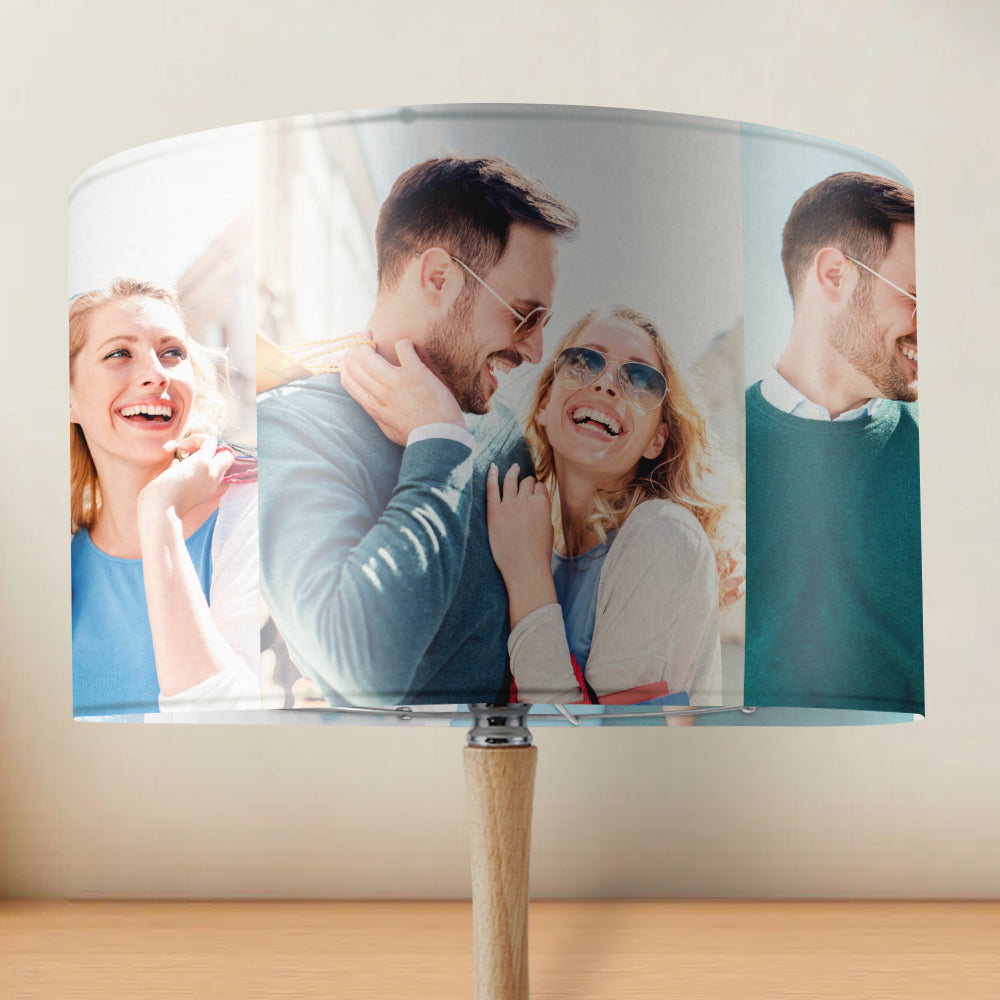
Explore custom lampshades and compare how the image is arranged around the shade. Check the listing carefully for the dimensions and whether a base is included.
Explore custom lampshadesCompare heart, rectangle and other photo-keychain forms. Read the listing for the image requirements and available options.
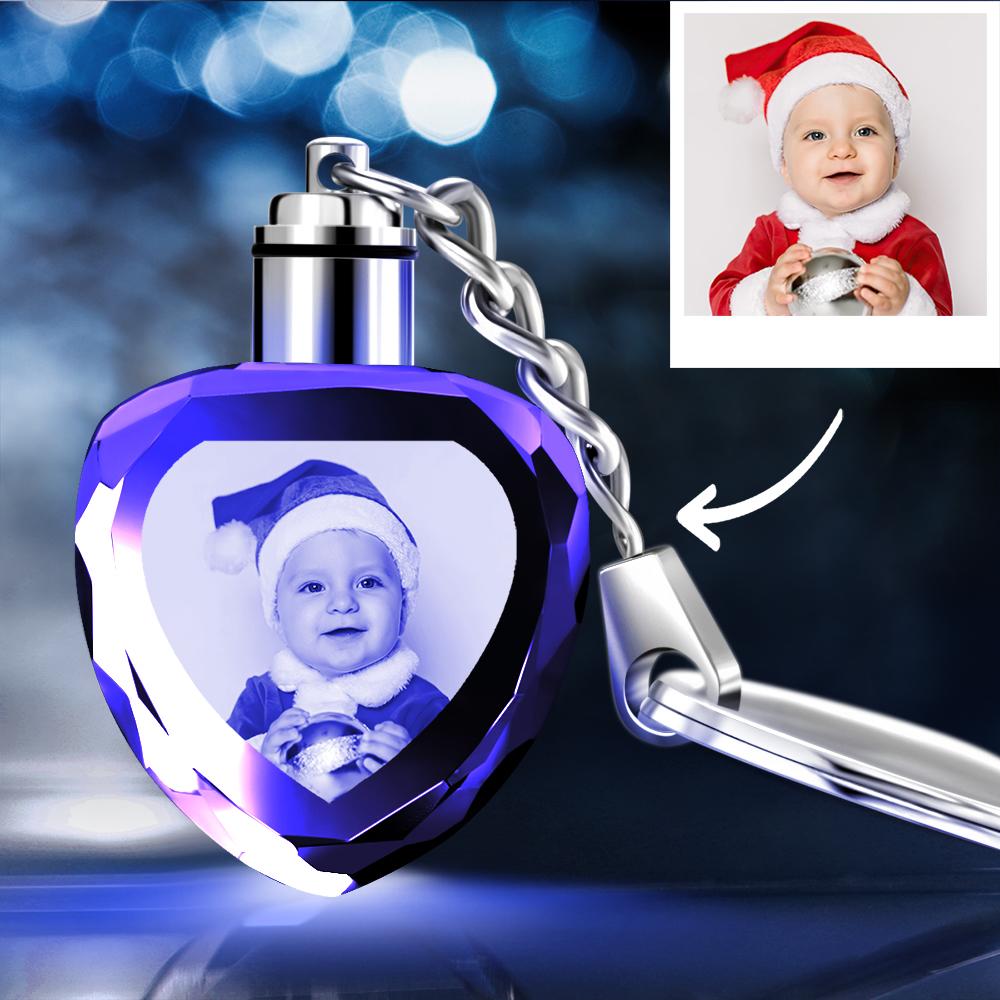
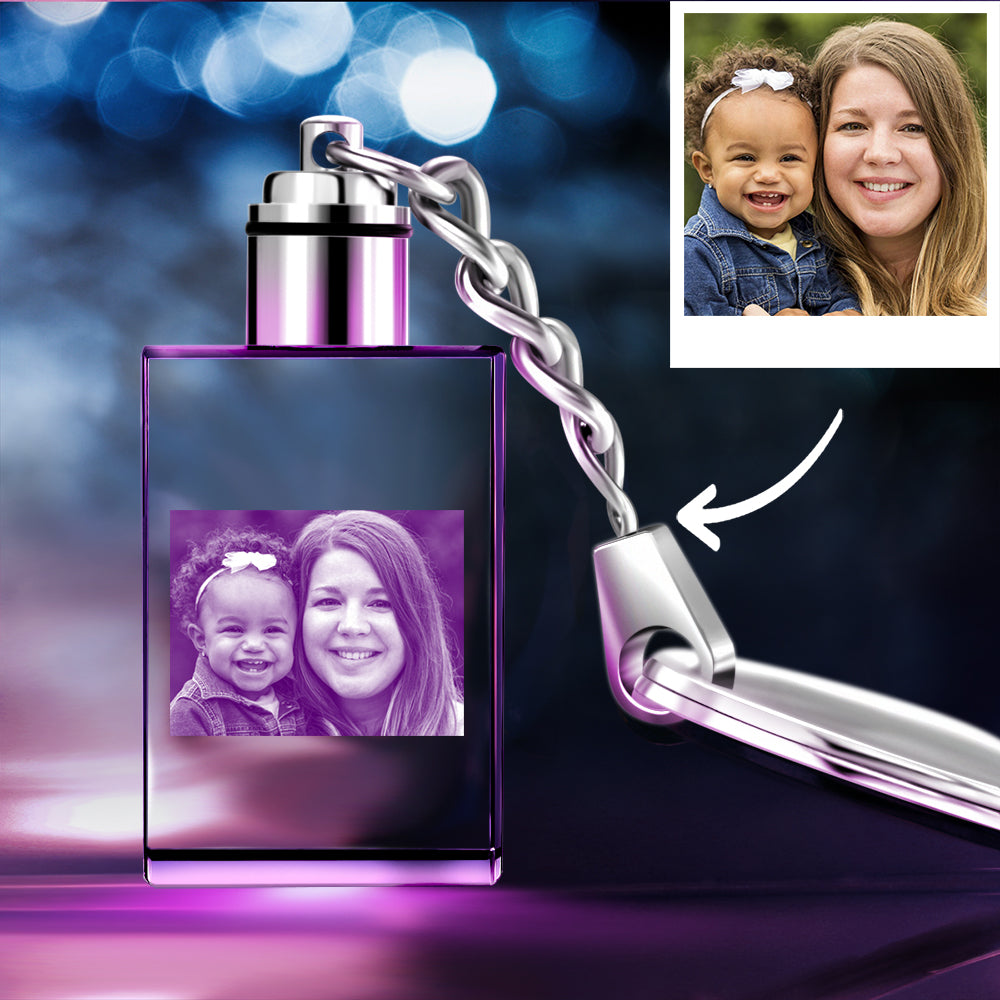
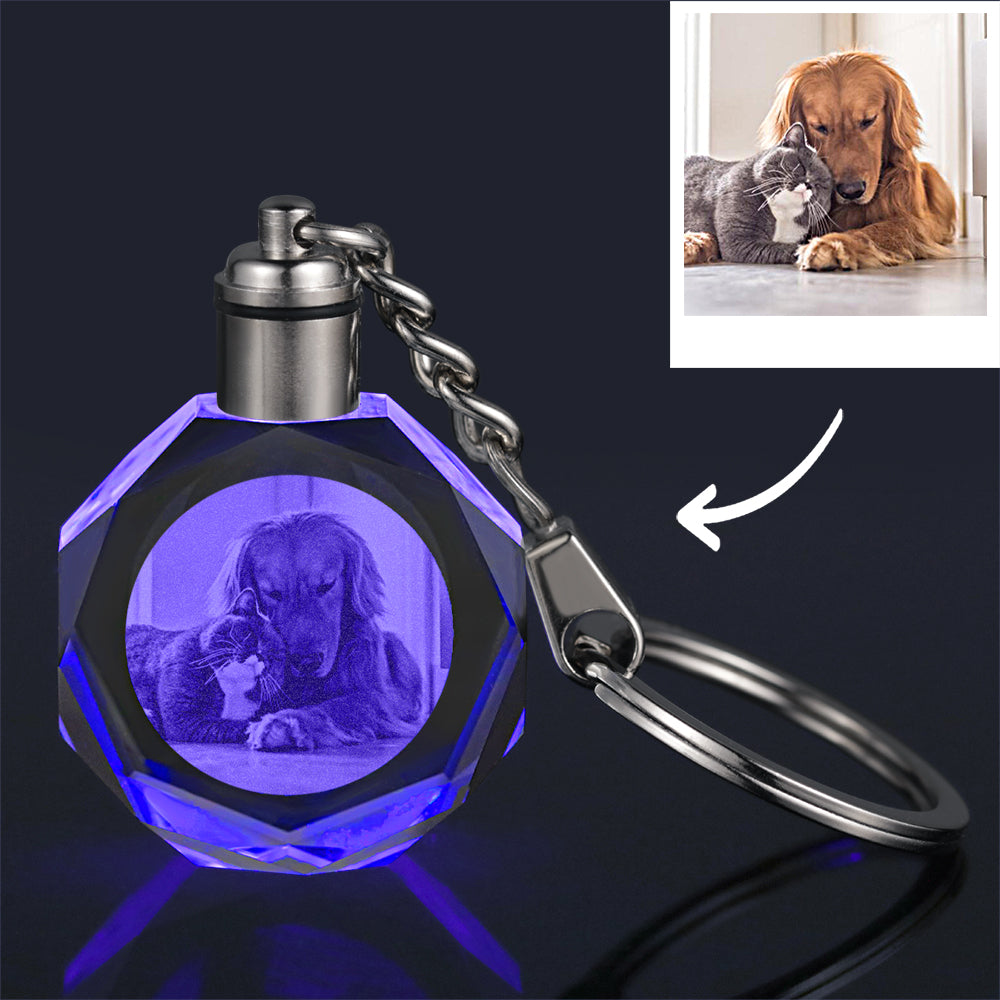
A few checks help you prepare the photograph for the product you choose.
Use the clearest original image available to you, rather than a small screenshot.
Check that the important faces or details have room around them for the product’s shape.
Follow the file and image instructions shown on the individual listing; ask if a requirement is unclear.

Explore name signs and letter lights, then compare the wording, mounting details and power information for the selected design.
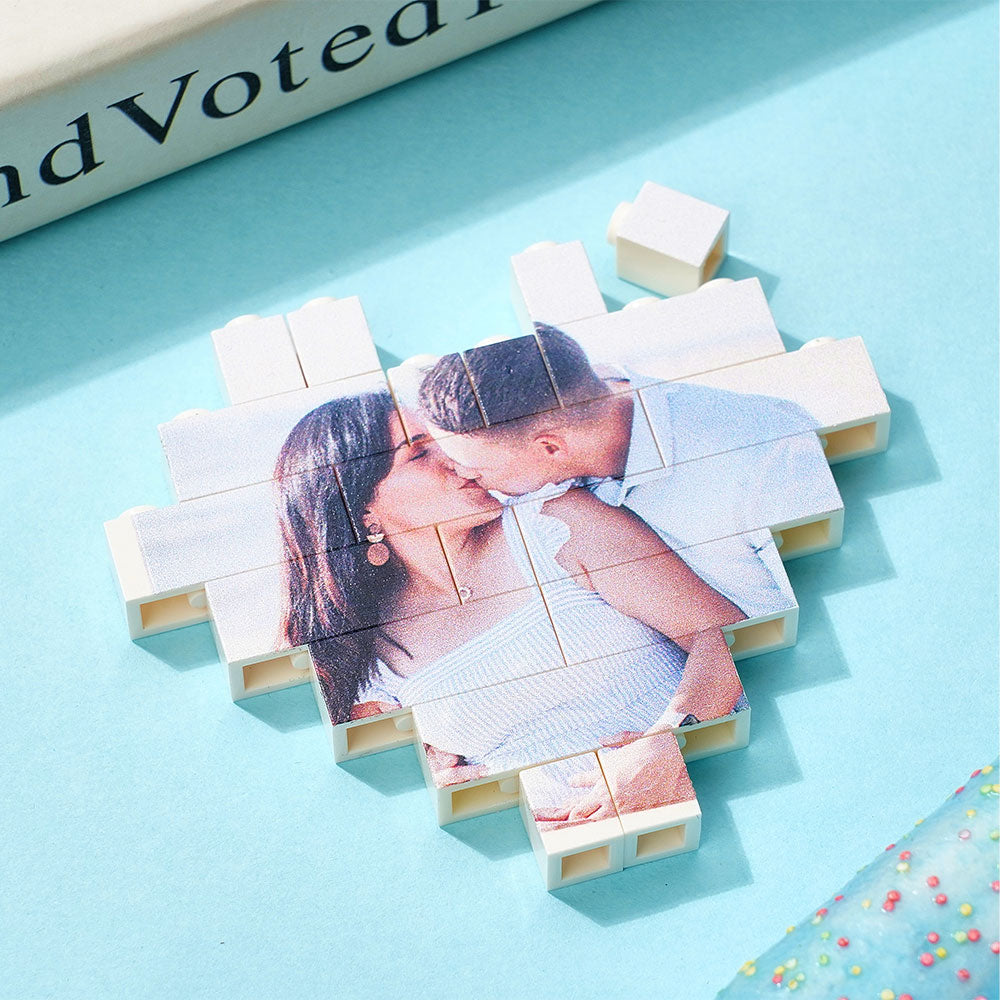
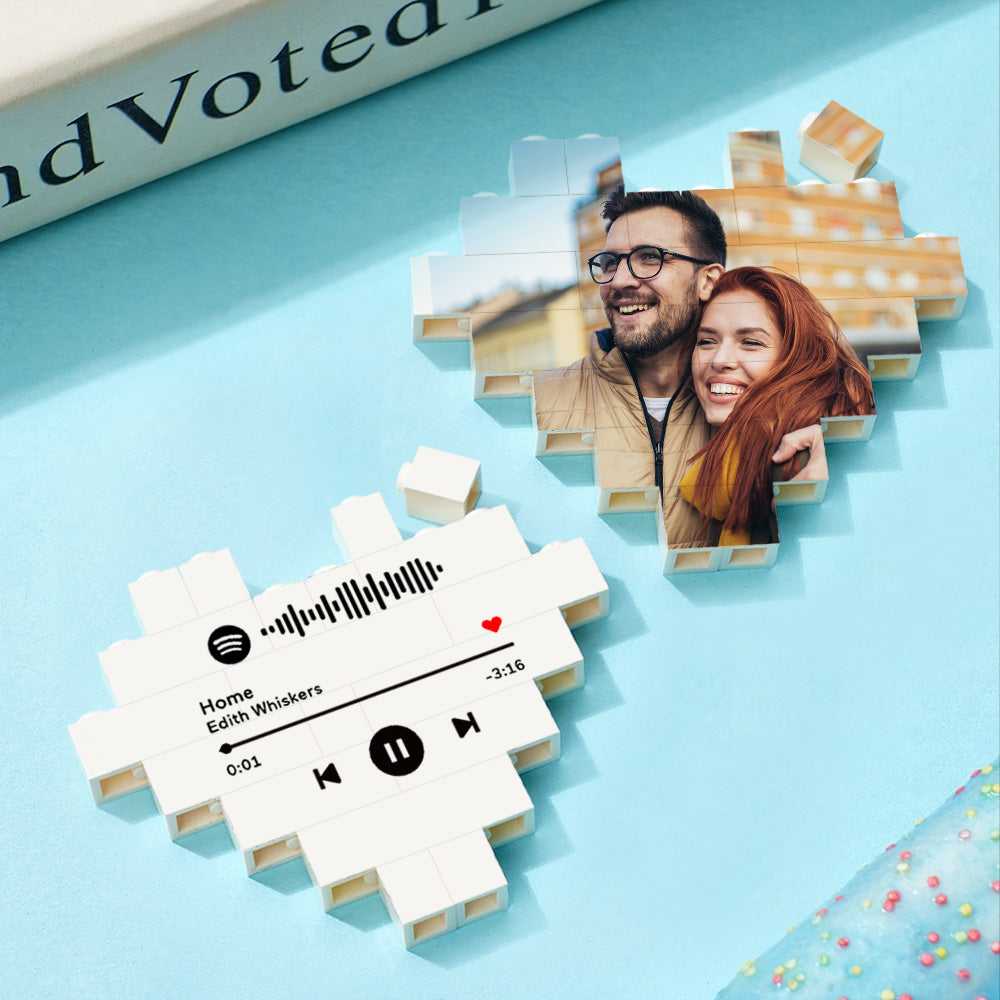
Explore name signsCustom building-brick pieces offer different shapes for displaying an image. Review the product’s included pieces and personalisation options.

Names, dates and short messages deserve a final read before you choose.
Check the spelling, capitalisation and available character limits on the selected item.
Confirm the day, month and year and use the format requested by the product.
Read the text aloud and check the punctuation before submitting your chosen wording.
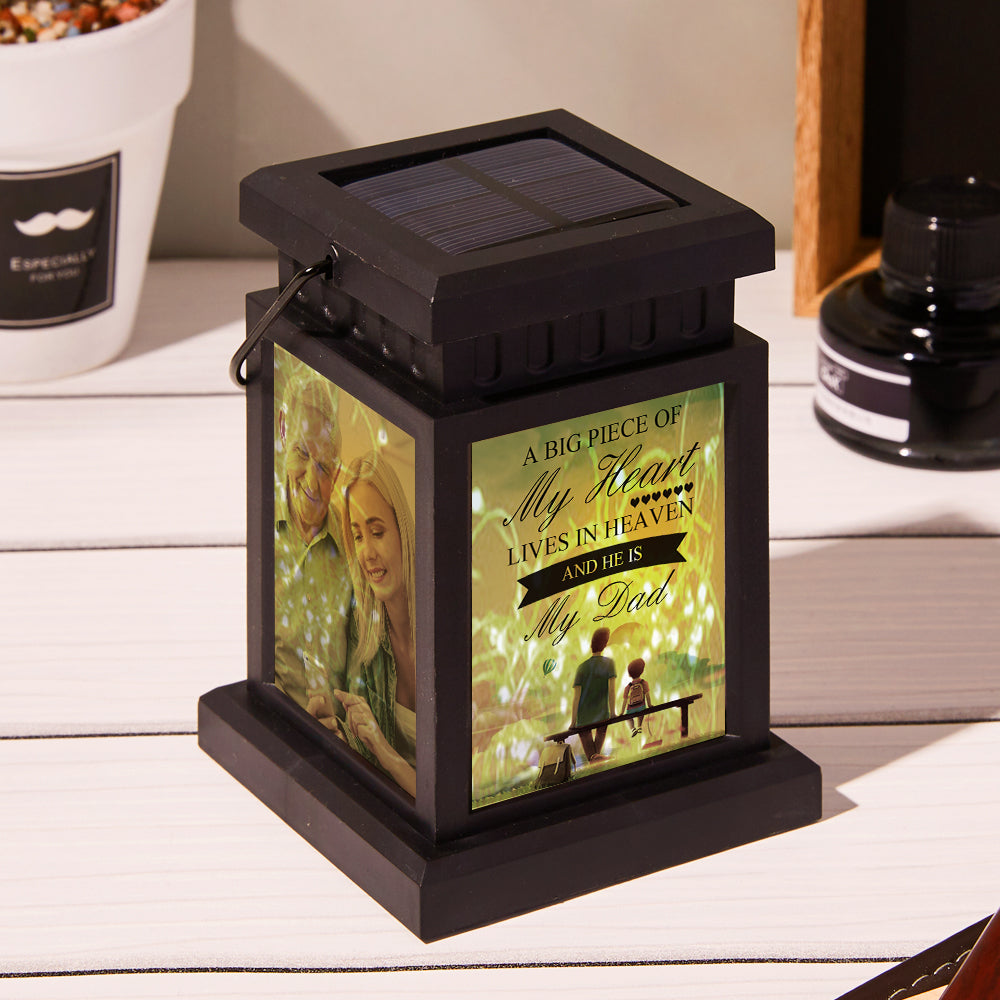
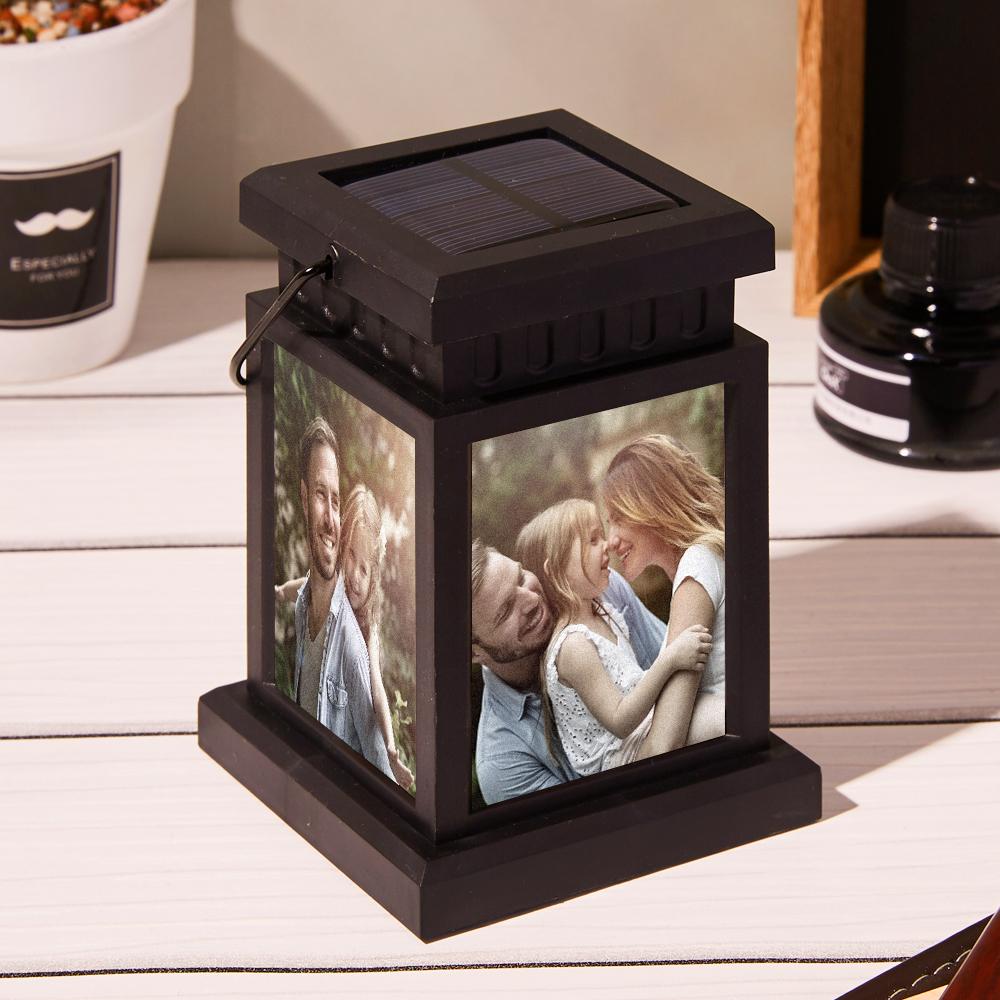
Explore photo memorial lanterns at your own pace. Compare the image layout, text options and product details to find a piece that feels appropriate.
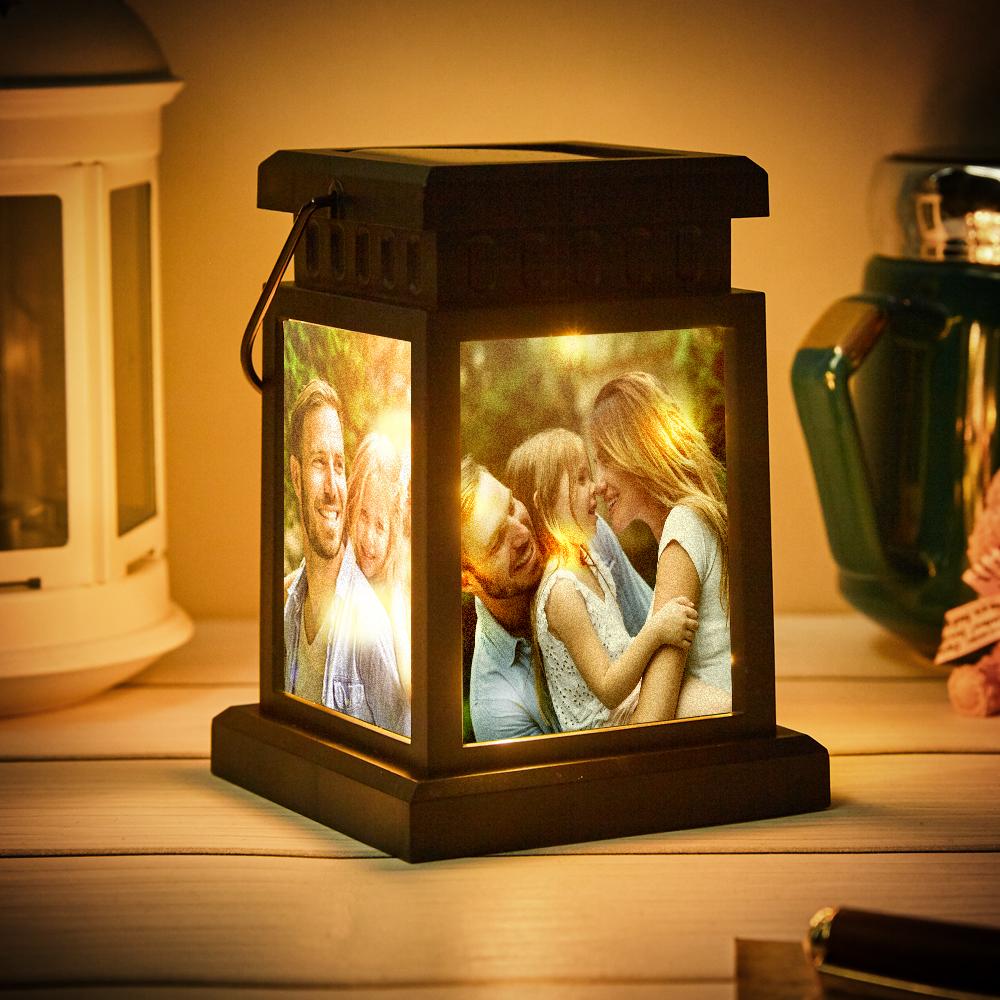
Choose a route through the catalogue based on the detail you want to preserve.
Explore calendar keychains and check the date format and engraving options.
View calendar keychainsCompare the custom brick-figure listings and the photo requirements for your selected design.
Explore custom figuresRead the custom-stamp listings for the image requirements and available stamp options.
Explore custom stampsReview the requirements on the chosen product page before entering personalisation details.
Choose the photograph, name, date or message that you want to use, according to the listing.
Use a clear source image and review names, dates, punctuation and spelling carefully.
Confirm the shape, size, selected variant and included items before adding the product to your cart.
Keep the product page open while comparing the options that matter to you.
Check the dimensions, materials, power requirements for lights, and what is included with the selected product.
Read the available personalisation fields and the instructions for your chosen option. Requirements differ between products.
Save the product link and selected option when asking a question, so the team can identify the item you mean.
Read the current shipping policy for the full conditions before ordering.
Check the delivery information for your country and the details shown during checkout.
Read shipping policyReview processing and transit information together. If timing matters for a project or occasion, ask the team about your selected item.
Ask a delivery questionThe complete return policy remains the reference for eligibility, process and possible charges.
Check applicable time limits, item condition requirements and any exclusions in the store’s return policy.
Read return policyInclude your order number, the item and a clear description when contacting the team.
Contact order supportJaidos brings photos, names and messages into a catalogue of custom lights, keychains, display pieces and keepsakes.
About JaidosStart with these practical details, then read the complete answers on our FAQ page.
Open a product page to review the listed options, images and specifications before choosing a variant.
Explore the collectionThe shipping policy explains the store’s current delivery terms. Read it alongside the details for your destination.
Read shipping policyUse the contact page and include the product link or order number with your question.
Contact usRead the existing FAQ page for the store’s full answers about ordering and service.
Read all FAQsAsk about a product, an available option or an existing order.
Include the product link, chosen option and the detail you want to check. For an existing order, provide the order number. Follow the individual listing’s instructions for photos, names or messages.
Contact the team